Impact Categories
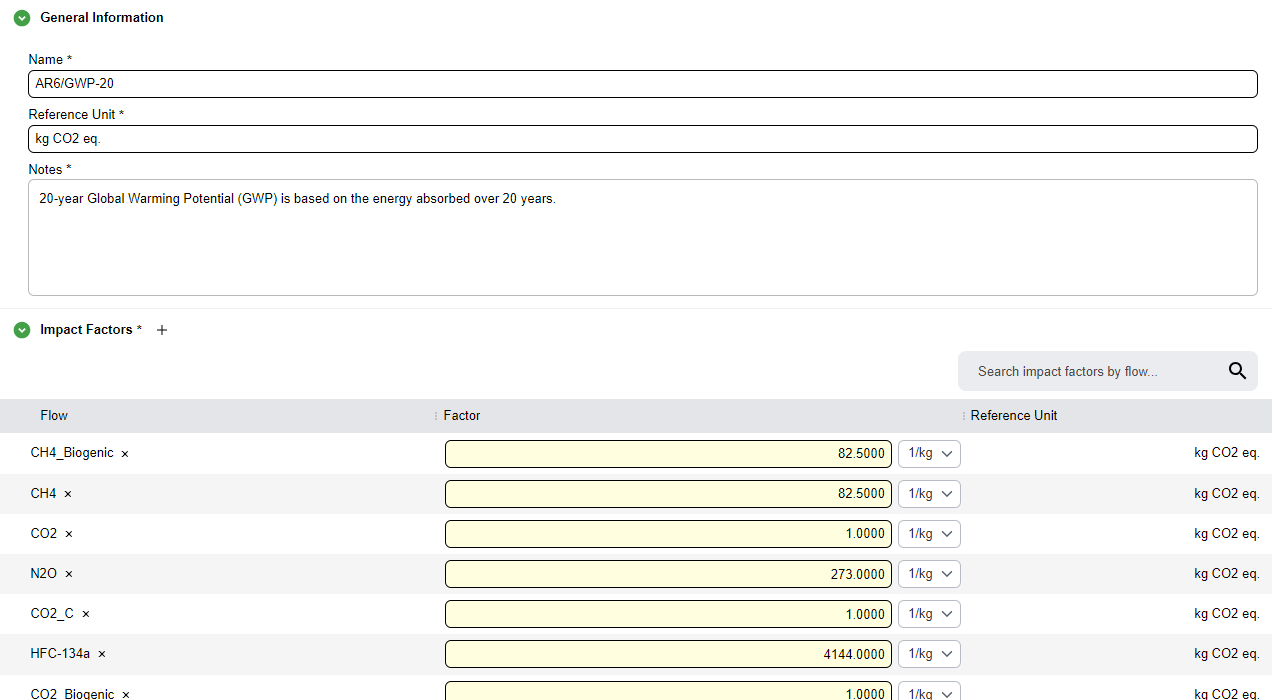
An impact category is a table of impact factors (characterization factors): flows that each have an impact value. PyGREET uses them in impact assessment to turn inventory results into impacts. You create impact categories here and select them in an impact method. PyGREET then uses the factors in each selected category when it calculates results.
The editor has two bottom tabs:
- General Information
- Usage: works as described in Work with Tabs.
Define an Impact Category
In the General Information tab, enter:
- Name
- Notes
- Reference Unit
Note
The reference unit is the same for all impact factors in the category. You type it in. You do not choose it from a list of units as in other unit selections.
Add Impact Factors
The Impact Factors table holds the factors in the category. PyGREET calculates these impacts when you run the category through an impact method.
- Hover over the Impact Factors subsection header and select the
+icon. The new row has a Flow, a Factor and a Reference Unit. - Select the flow, then edit the value and unit in the Factor column as you do in other tables.
Equations
In global warming potential (GWP) categories, a flow marked Is Completely Dissociated to CO₂? in the flow editor gets a GWP factor derived stoichiometrically from its carbon content, when you declare no explicit factor here. See Complete Dissociation to CO₂ (GWP).