Global Parameters
A global parameter is a named value you define once and use in formulas in any other editor. The library groups global parameters for organization, but you can use every global parameter as a local parameter in a formula.
The editor has two bottom tabs:
- General Information
- Usage
Add a Parameter
The General Information tab holds a table of all parameters in a global parameter group.
- Select the
+icon next to the Parameter Name column header. A row appears in the table. - Type the name of the parameter.
- Press Enter.
- Set the value and units of the parameter.
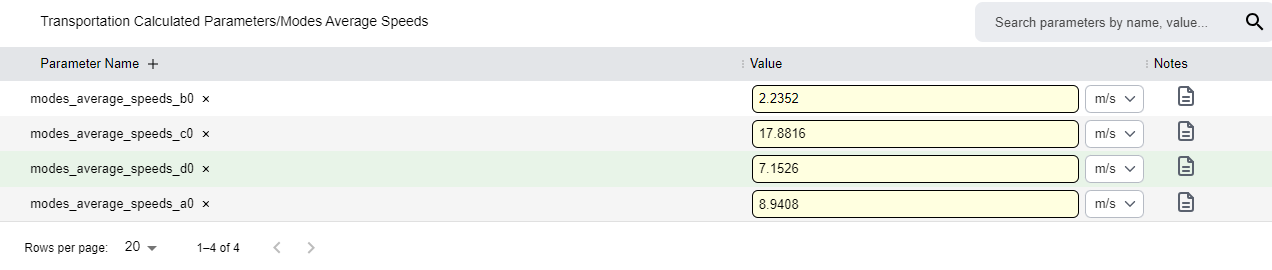
Manage Parameters
| To | Do this |
|---|---|
| Add notes | Select the icon in the notes column and enter the notes. |
| Remove a parameter | Hover over it and select the X that appears near its name. |
| Rename a parameter | Double-click its name. |
| Rename the group | Select the group name at the top of the table. |
| Filter the table | Use the search bar at the top right of the table. |
See Where Parameters Are Used
The Usage tab works as described in Work with Tabs.
Group-level dependencies
Usage shows for the whole global parameter group. For example, a group with 4 parameters shows the dependencies wherever any of the four parameters is used.